
Memory functions
The Firefly Cave
A secret passage opens deeper into the cave, guided by fireflies. Memorise the order they light up in, then click them back to move forward.
Customisable exercises and clear follow-up of each beneficiary and their progress: everything you need for effective sessions, in a single piece of software.
Designed so that your session time is spent on the client, not on the software.
Open a session
With a client, or without one for a demonstration. Time spent and exercises played are recorded.
Move from one exercise to the next
Adjust each exercise in a few clicks: the level follows the client's progress.
Review the summary
At the end, a session summary, with results filed in the client's follow-up.
Each exercise is a little world of its own, adjustable and suited to each client's level. New exercises are added regularly.
A secret passage opens deeper into the cave, guided by fireflies. Memorise the order they light up in, then click them back to move forward.
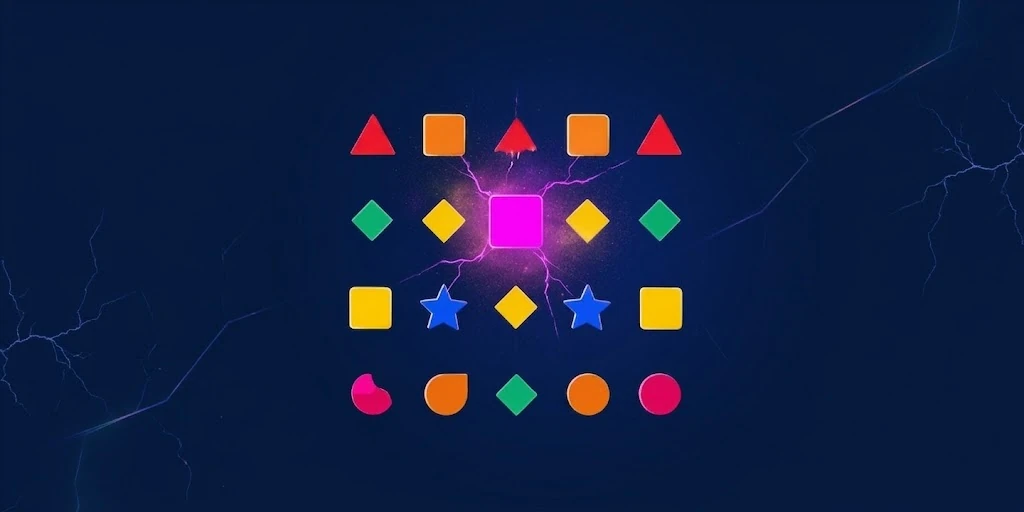
In a universe of harmony, a discordance has crept in. Spot it before it disturbs the cosmic balance.

A magician hides his rabbit under one of his hats. Follow it through the shuffle and find it at the end.
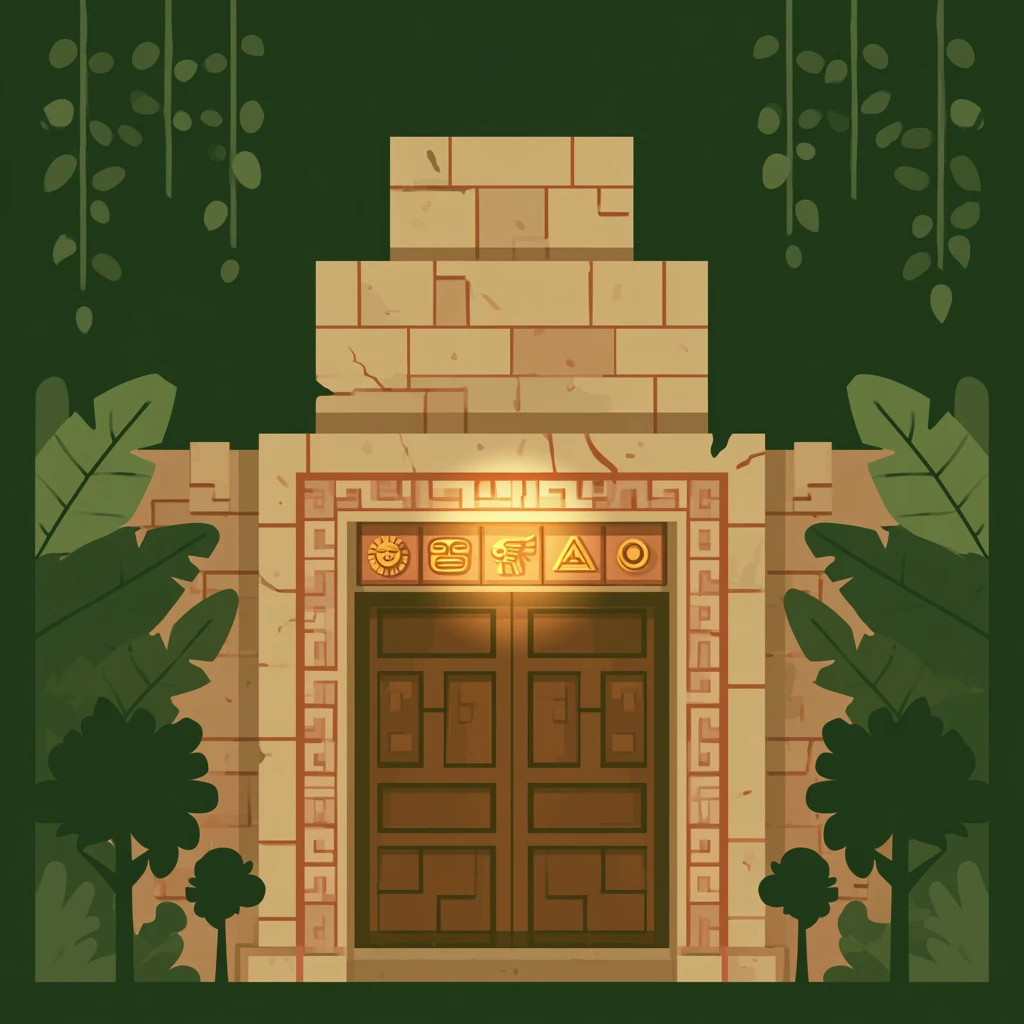
An ancient door hides an Inca treasure. Memorize the code and type it back to unlock it.

A swatch was mixed wrong on the master's palette. Spot it before the brush dips in.

A target moves among several similar elements roaming freely across the screen. Follow it with your eyes without losing it, and find it again once everything stops.

Fruits cross the screen from every side, sometimes several at once. Count the ones matching the announced signal before the storm ends.
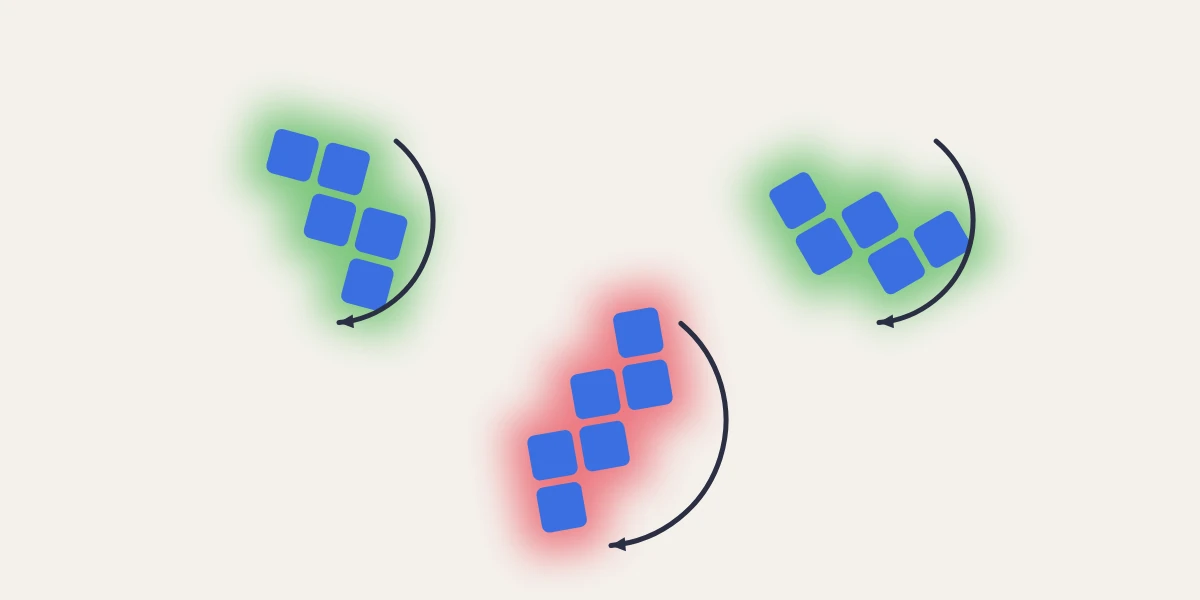
Three assemblages of colored blocks appear, each in a different orientation. Two are identical after rotation; the third is the odd one out — spot it through mental rotation.

Glowing shapes burst in the night sky, sometimes several at once. Count the ones matching the announced criterion before the fireworks end.

A transmission from Central flickers for a split second. Spot it among the enemy's jammed decoys before the signal is lost.
Quickly find the right exercise: filter the library by the visual function trained.
Target size, speed, background, level — everything can be adjusted. Difficulty adapts automatically to progress. From age 5 to 70, from the first session to the last.
See results session after session and adjust the programme according to performance.
Your activity at a glance
Active clients, sessions and time spent over the period: your dashboard is waiting for you when you open the software.
Your favourite exercises
Keep your most-used exercises close at hand, and find the ones played recently.
Always up to date
Updates install automatically when the software starts.
Communications are encrypted and access to the data is restricted to your account. You remain responsible for this data and can export or delete it at any time. It is never sold. All the details are in the privacy policy.
New features are built from your feedback, and install by themselves.
See all updatesVersion 0.1.3 · 8 November 2026
Create your account in a few seconds: the software is easy to download and install, and it is 100% free throughout the beta.
No credit card · Easy installation · Support that listens